
One selfie. Every photo they are in.
Vyavasth gives every wedding one gallery link and QR code. A guest opens it, takes a selfie, and sees only the photos they appear in, while the event is still running. The couple and family get the full gallery with a passcode, and every screen carries the studio's name and logo.
How face search works for guests
- Scan the QR or open the link
Put the event QR on a standee, the invitation or the family WhatsApp group. Guests open it in their phone's browser, with no app to install.
- Take one selfie
Guests agree to face search and take a selfie. They can skip it and browse instead if they prefer.
- See My Photos
Vyavasth finds every photo the guest is in, across thousands of photos, and keeps adding new ones as the studio uploads.
- Find photos with family and friends
In My People, guests who have both agreed can find the photos they are in together. Nobody is shown in someone else's results without saying yes.
Built for Indian weddings with 500 guests and 8,000 photos
Nobody scrolls 8,000 photos to find themselves. Face search means every relative leaves with their own photos, on their own phone, the same day, and every one of those photos carries your studio's name.
- My Photos for each guest, All Photos for the family with the passcode.
- One branded QR for your studio that you reuse at every event.
- Face search can be turned off for a single event if the family prefers a passcode-only gallery.
- Your logo, colours and watermark on every screen of the gallery.
Privacy the family can trust
- Each event has one link, and the full gallery opens only with the host's passcode.
- Face search is opt-in: guests agree before taking a selfie, and can skip it.
- My People only shows photos of two guests together when both have agreed.
- Wedding galleries are kept out of Google search results.
What studios say
Vyavasth ka platform aur photo selection feature, jo couples ka selection aasan karta hai, usse jo madad mili hai, wo magic jaisi hi hai.
The Wedding Booth, Bhopal
Questions
Do guests need to download an app?
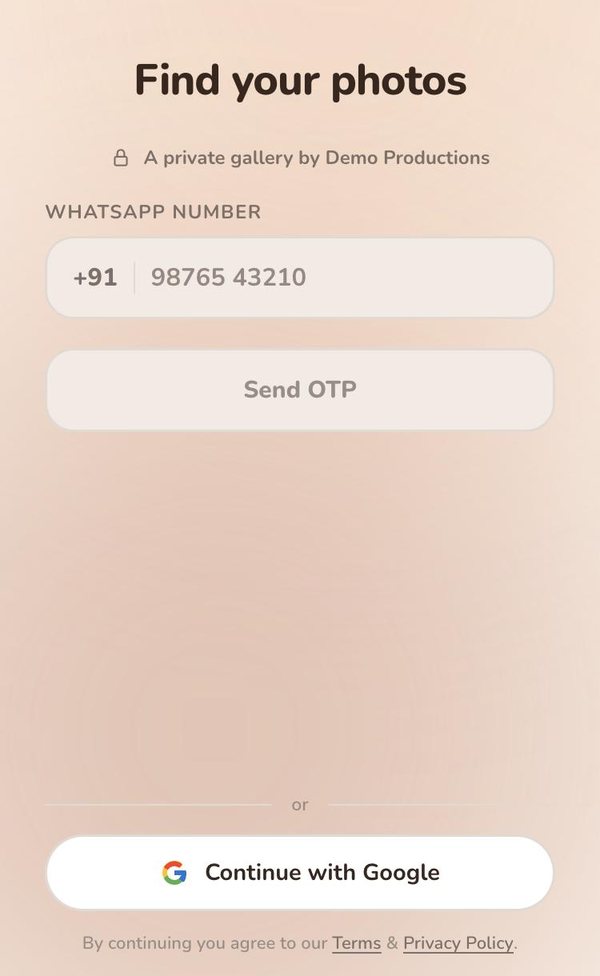
No. The gallery opens in the phone's browser from a QR code or link. Guests sign in with their WhatsApp number or Google so their photos and likes stay with them.
Can guests see photos they are not in?
Guests see My Photos, the photos they are in. The full gallery, All Photos, opens with the passcode the studio gives the family.
Does face search work while the wedding is still going on?
Yes. As the studio uploads during the event, new photos appear in each guest's My Photos.
Can I turn face search off for one event?
Yes. Switch face search off for any single event. Guests then browse the gallery, and the full gallery opens with the family's passcode.
See it on your next wedding.
Related features
- Live delivery
With Vyavasth, photos reach the family's gallery during the event instead of weeks later on a pen drive.
- Google reviews and branding
The moment a guest finds their photos is the moment they are happiest with your work.
- Album selection
Vyavasth's Smart Selects turns album selection into likes inside the wedding gallery.